Managing client proposals, outreach, and billing with generic templates wastes time and misses opportunities to close deals quickly. Many freelancer proposal templates lack easy automation, engagement tracking, or integrated billing, so users switch tools and lose workflow efficiency. This list covers price, editing workflow, and integration depth across six alternatives so freelancers, consultants, and small agency owners can match tools to their workload and process.
Table of Contents
- Promptlyfreelance
- Better Proposals
- Indy
- Prospero
- Wethos
- Fresh Proposal Software
- Comparison of Alternatives
Promptlyfreelance
At a Glance
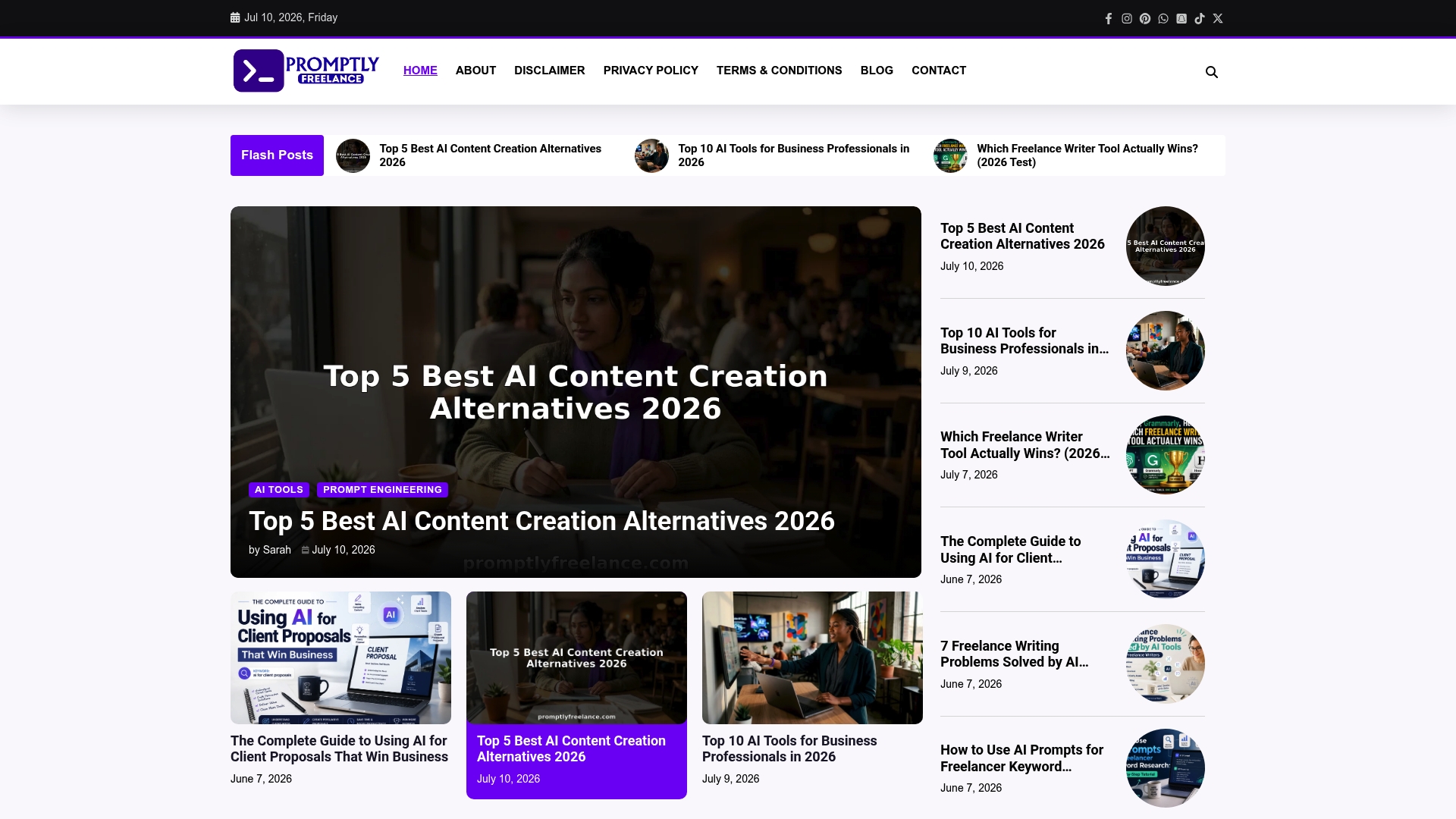
No upselling or paid course funnels; the site publishes experience-based prompts, step-by-step guides, and real client case studies. The material focuses on practical prompt engineering for tools like ChatGPT and Midjourney. Members report clear examples for client outreach, proposal drafting, and pricing decisions.
Core Features
The community publishes practical guides on prompt engineering and AI workflows and long-form step-by-step tutorials that show prompt structure and expected outputs. Case studies pull from real freelance projects and highlight mistakes, negotiation points, and deliverable formats. The site also offers direct community engagement so members can ask follow-up questions and get personal responses.
Key Differentiator
The single strongest distinction is the content mix of tested prompts plus real freelance case studies. That pairing ties prompt examples to actual commercial outcomes such as client proposals, deliverables, and pricing conversations. The emphasis on mistakes to avoid makes the material immediately applicable to billing and client acquisition.
Pros
The site supplies ready-to-use prompts tailored for common freelance tasks, so you can copy and adapt templates for proposals or outreach. The tutorials explain prompt intent and expected outputs, which helps you tune prompts for specific clients and deliverables. Community threads and direct replies from contributors make the learning loop fast, and the coverage includes practical advice on pricing and delivering AI-generated assets. The editorial tone avoids upselling and keeps content focused on work you can bill for.
Cons
- Limited to educational content and community discussion; there are no built-in tools, software integrations, or automated templates that run inside your editor.
Who It’s For
Freelancers, solo consultants, and small agency owners who want hands-on prompt strategies tied to earning work. This fits people who prefer learning by example and who need step-by-step tutorials they can apply to proposals, client outreach, and daily workflows. It is less useful for teams that require integrated software or managed services.
Unique Value Proposition
Ready-to-use prompts for proposal development, client outreach, and content creation let you produce client-facing drafts faster. That reduces time spent on first drafts and follow-up edits, and it shortens the sales cycle for one-off gigs and short retainers. Members who adopt the prompts can reuse and refine them to keep proposal preparation under control and to respond more quickly to inbound leads.
Real World Use Case
A freelance designer copies a proposal prompt and adapts parameters for scope and deliverables. They use the site’s negotiation case study to frame pricing language and to avoid common scope creep traps. The result is a cleaner proposal, fewer revision rounds, and a client who signs faster.
Website: https://promptlyfreelance.com
Better Proposals
At a Glance
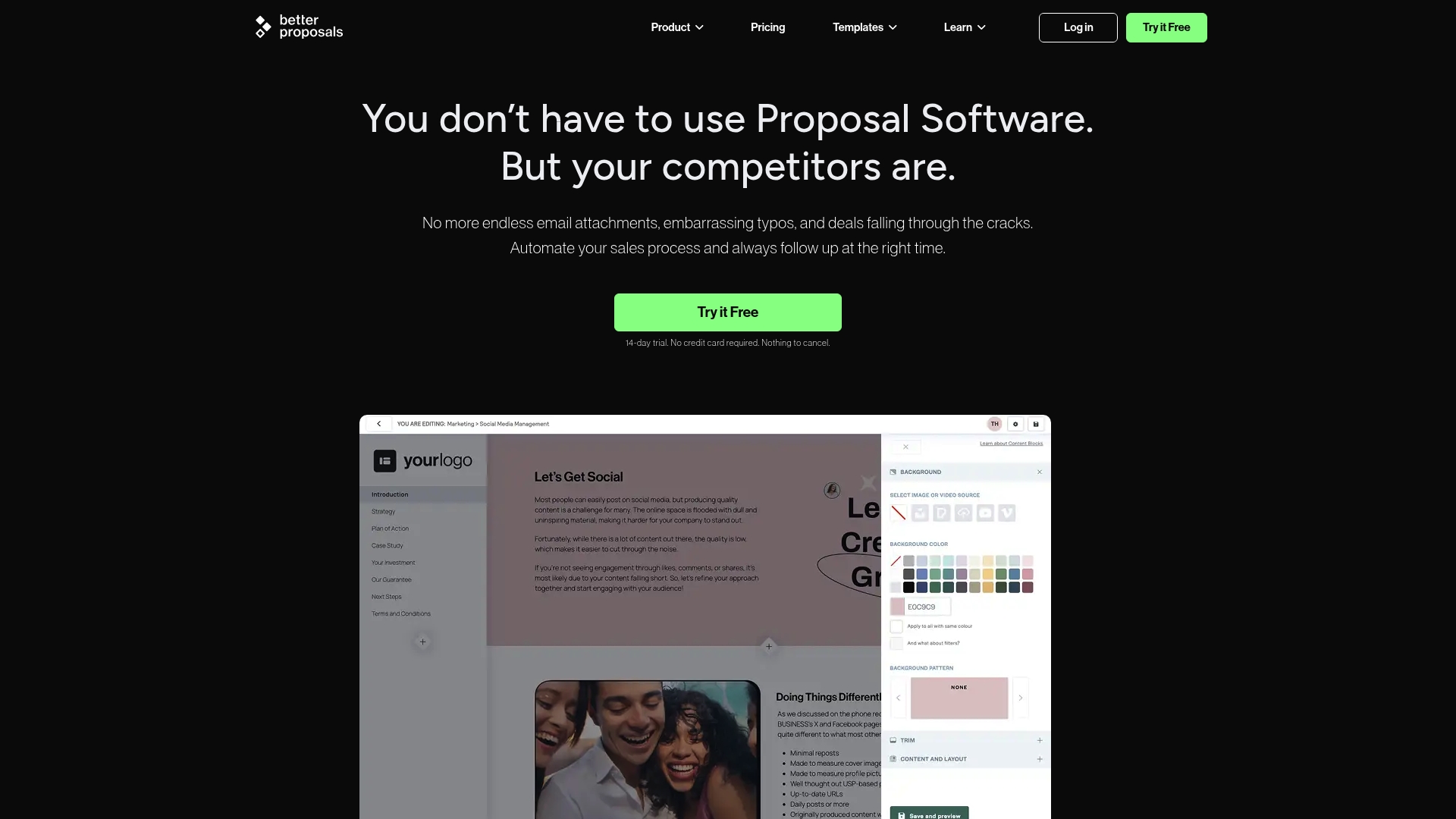
Better Proposals reports being trusted by over 10,000 brands. The platform centers on web-based, interactive proposals that track opens, reads, and client engagement. It also bundles secure electronic signatures and automated follow ups for closing faster.
Core Features
Create proposals from templates and reusable content blocks while preserving brand styles and imagery. Send mobile friendly, interactive documents that record client behavior and timeline events. The system includes secure electronic signatures, automated reminders, and basic onboarding and team management tools.
Key Differentiator
The company emphasizes human led support and a human only support ethos, banning AI for client interactions. That stance drives live, person to person help and 24/7 availability as part of the product experience. This matters if you prefer human support over automated chat assistance.
Pros
The interface feels approachable and supports real time collaboration when editing proposals. Templates and branding options let you produce polished proposals quickly while keeping consistent visual design. Analytics and engagement tracking help you decide when to follow up. The vendor advertises 24/7 human support, which customers cite as responsive. Integrations with CRMs and payment providers simplify workflows from proposal to payment.
Cons
- Pricing may be high for solo freelancers and very small startups, especially at scale.
- Some buyers report limits to template flexibility and frustrations with export options.
- The product is primarily web based, so offline proposal creation and editing are limited.
When It May Not Fit
If you need offline editing or a desktop first workflow this product will feel restrictive. Solo freelancers on a tight budget may find Starter plan costs add up. Teams that require advanced template export settings will want to test formatting before committing.
Notable Integrations
- ActiveCampaign
- HubSpot
- Pipedrive
- Salesforce
- Zapier
- Stripe
- PayPal
- LiveChat (various providers)
These connections cover common CRMs, payment systems, and automation tools.
Who It’s For
Small to medium sized sales teams, agencies, and freelancers who want a modern, tracked proposal process. Teams that value live human support over automated help will get the most from the offering. Organizations that need built in signatures and payment collection will also find the feature set useful.
Real World Use Case
A digital marketing agency builds visually rich proposals from branded templates and sends them to prospects. The agency watches engagement analytics to time a follow up call and uses the electronic signature flow to finalize contracts. That workflow shortens turnaround time and clarifies next steps for onboarding.
Pricing
A 14 day free trial is available. Plans start at Starter at $13/user/month, then Core at $21/user/month, and Enterprise at $42/user/month, with discounts for annual billing. Add on fees may apply for higher volume or custom needs.
Website: https://betterproposals.io
Indy
At a Glance
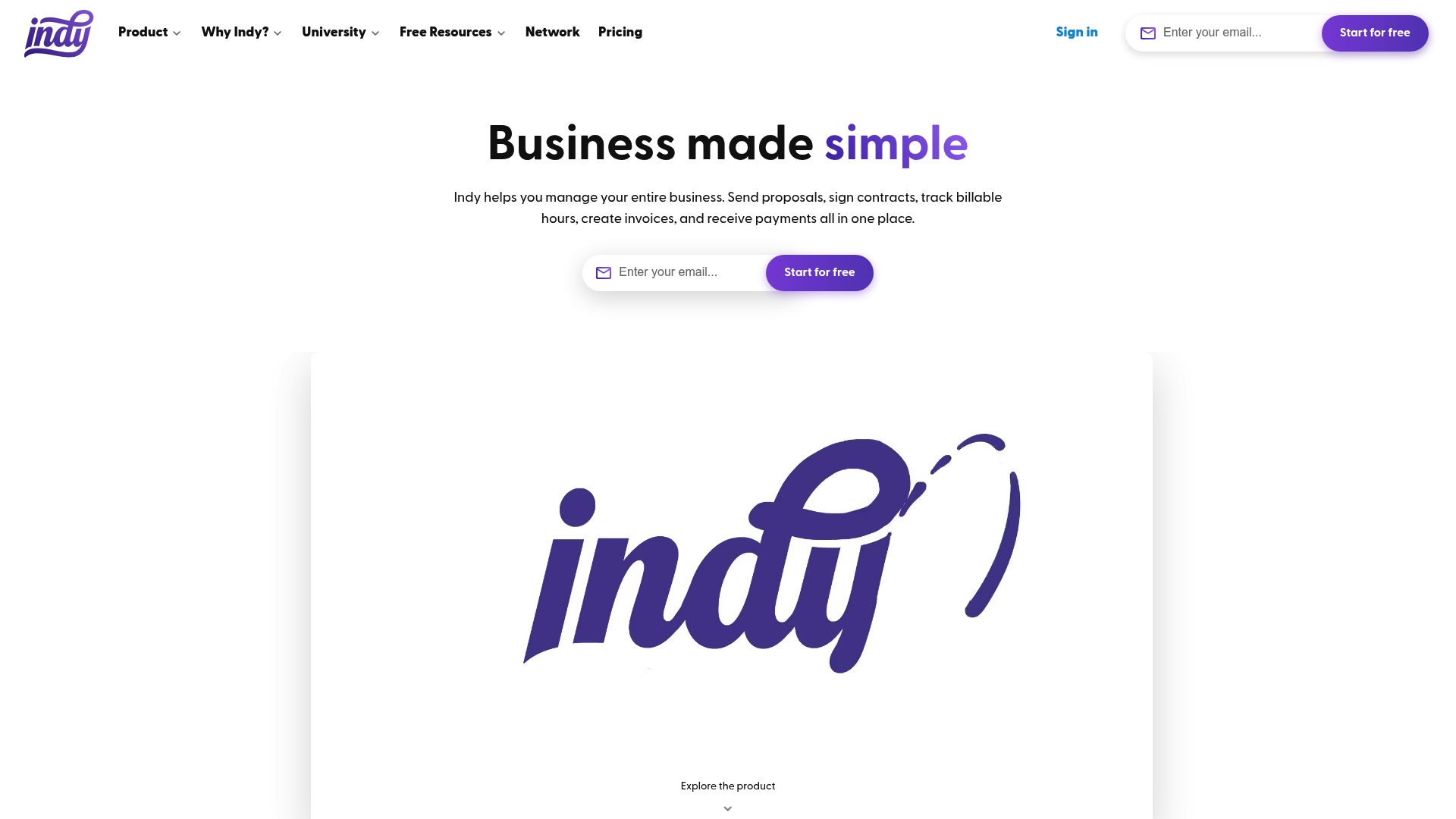
The Pro Bundle costs $12.50/month when billed biennially and includes a seven day free trial. Indy groups proposals, contracts, invoicing, time tracking, and project files inside a single platform aimed at freelancers. The product also bundles templates and educational resources targeted at independent professionals. That mix makes routine client work possible without switching between multiple apps.
Core Features
Indy provides a project workspace that keeps client details, messages, and project notes together so you do not lose context. It connects to calendars and supports Google Calendar sync for basic scheduling. The platform includes contract drafting and e signing, file storage with revision and feedback tools, a simple form builder for leads, and native invoicing with payment acceptance.
Key Differentiator
Indy centers every tool around the solo freelancer workflow so proposals, contracts, billing, and time tracking live in one place. That design reduces context switching between apps and keeps client records consistent. The product targets independent professionals rather than larger teams, which shapes its feature set and user experience.
Pros
Indy replaces several paid subscriptions by combining proposals, contracts, time tracking, and invoicing into a single workspace. The interface is straightforward to learn, which shortens setup time for new users. A free plan is available and the Pro Bundle provides more automation and templates at a low monthly rate, while community resources help freelancers learn best practices.
Cons
- Limited project management features may frustrate businesses needing advanced task dependencies or multi person workflows.
- Customer support response times receive mixed feedback from users who expect faster replies.
- Some automation and advanced features require extra setup or external integrations to work reliably.
When It May Not Fit
Large teams that need complex resource management or advanced reporting will likely outgrow Indy quickly. Organizations needing built in enterprise controls or multilayer permissions should look elsewhere. Also, several higher level functions are gated behind paid plans, so heavy feature users will incur additional cost.
Notable Integrations
- Google Calendar for syncing events and deadlines.
- PayPal for receiving client payments.
- Stripe for card payments and payout routing.
- Zapier support for connecting to other apps and automations.
Who It’s For
Freelancers, solo entrepreneurs, and small business owners who want a simple, consolidated tool for client work will find Indy a practical fit. Designers, writers, developers, and marketers who handle proposals and contracts directly with clients match the product profile. Teams that require full scale project management are not the core audience.
Real World Use Case
According to the company, a freelance graphic designer using Indy saved several hours per week. The designer uses Indy to send proposals, collect digital signatures on contracts, track billable hours, and issue invoices from the same account. That workflow keeps billing and project notes aligned when juggling multiple clients.
Pricing
A free tier covers basic proposals and invoicing. The Pro Bundle costs $12.50/month when billed biennially and includes a seven day free trial for testing advanced features.
Website: https://weareindy.com
Prospero
At a Glance
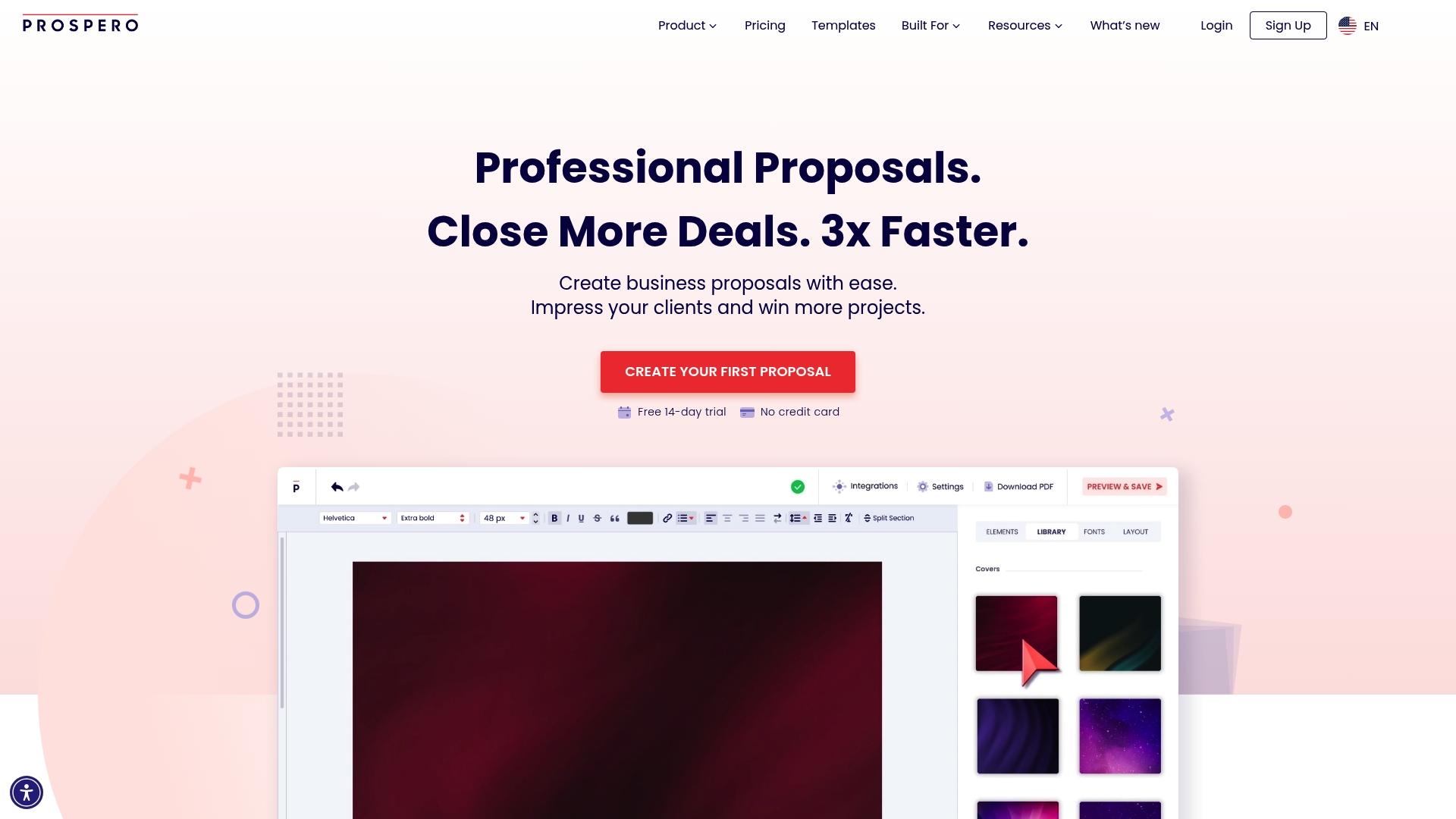
Prospero reports a starting price of $12 per month with a free 14-day trial. The product pairs a content generator with engagement metrics so you can see which proposal pages clients open and when. That tracking combines with built-in signature and follow-up tools to shorten the sales cycle.
Core Features
Prospero includes a flexible editor with drag-and-drop placement, a centralized product and pricing catalog, and a media-ready template library for quick assembly. Team controls let managers assign permissions and keep approvals in one place. The platform also automates emails and reminders and offers secure multi-device eSignature support.
Key Differentiator
Prospero pairs a Generative AI Assistant with live engagement analytics so proposal copy and client behavior live in the same workflow. That combination lets you draft, refine, and measure proposals without toggling between separate writing and tracking tools. The integration of signature and automation closes tasks inside the proposal flow.
Pros
Prospero is fast to adopt thanks to a visual editor and ready templates that reduce setup time for small sales teams. The real-time engagement metrics surface which sections clients read most, which helps you iterate content and pricing quickly. Team access controls and a centralized catalog support consistent proposals across multiple people and projects. Built-in automation for reminders and signatures cuts manual follow-up work. Broad bookkeeping and workflow connectors simplify billing and handoffs.
Cons
- Third-party reviews highlight limited advanced design flexibility compared with specialized graphic design tools.
- The AI proposal generator may struggle with highly customized or complex proposal needs.
- Pricing may be a concern for solo freelancers or the smallest businesses.
- Setting up integrations for complex workflows can require technical knowledge or developer support.
When It May Not Fit
If your proposals demand pixel-perfect bespoke layouts, Prospero may feel restrictive compared with a dedicated design app. Teams that require heavy customization of AI output for regulatory or technical proposals may find the generative assistant too generic. Very small one-person shops with minimal proposal volume might prefer a lower-cost or free document tool.
Notable Integrations
Prospero connects with major finance and workflow platforms including Stripe, QuickBooks, Xero, and FreshBooks. It also supports automation platforms such as Zapier and Make, plus team tools like Slack and Monday.com to route approvals and notifications.
Who It’s For
Prospero fits sales teams, small business owners, and freelancers who need repeatable, measurable proposals. It suits teams that value tracking engagement and automating signatures. It also works for organizations that want billing and CRM touchpoints linked to proposal outcomes.
Real World Use Case
A mid-size marketing agency uses Prospero to build proposal templates per service line, populate a pricing catalog, and let account leads generate tailored proposals. The team watches engagement analytics to remove underperforming pages, then triggers automated reminders and eSignatures to close deals faster.
Pricing
Plans start at $12 per month for individual users, and Prospero offers a free 14-day trial to test features. Enterprise or team pricing is not publicly listed in the product brief and may require contacting sales for custom quotes.
Website: https://goprospero.com
Wethos
At a Glance
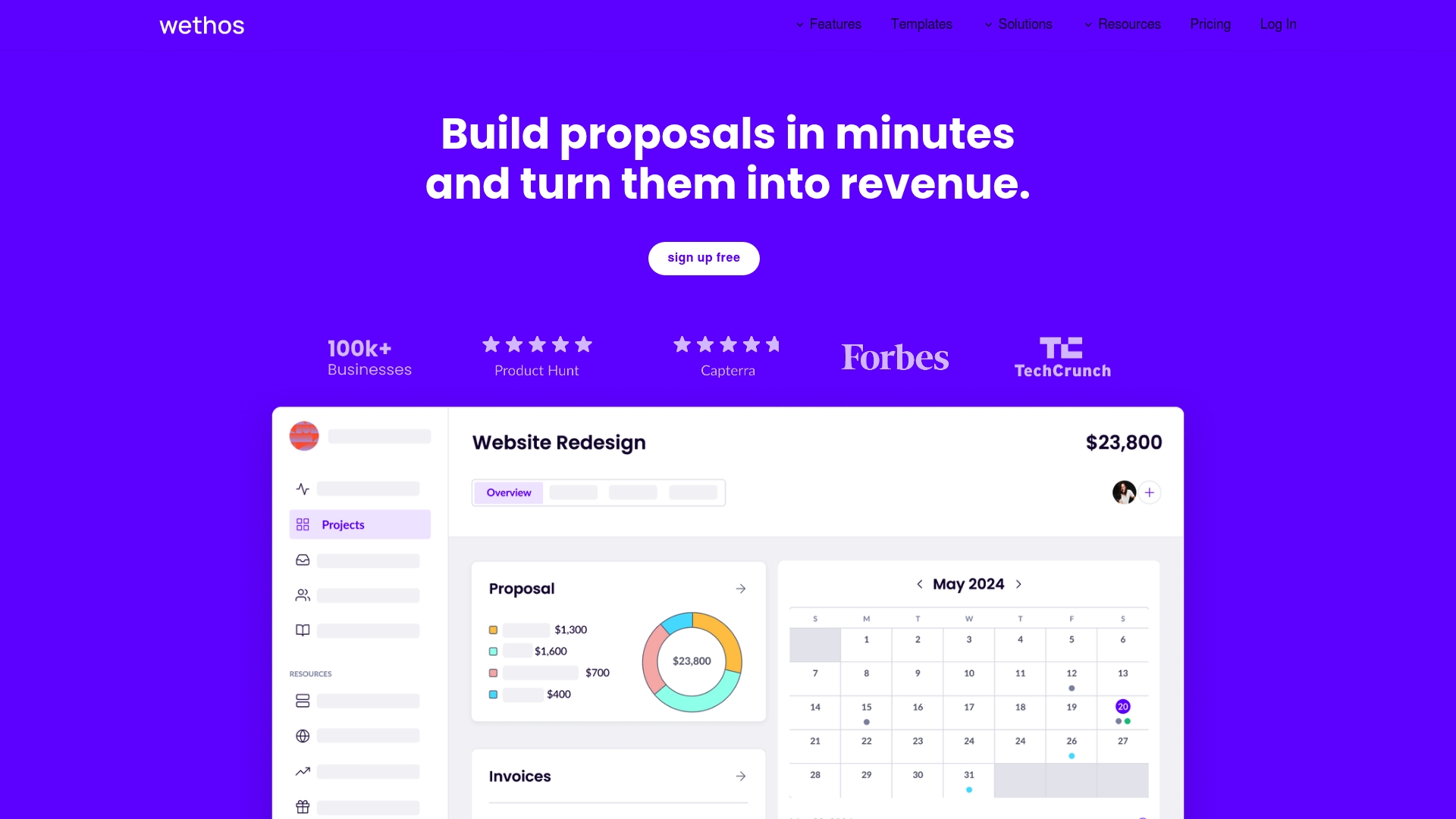
According to the company, Wethos is trusted by over 100,000 users. That scale supports a broad template library and team collaboration features aimed at small agencies and freelancers.
The platform bundles proposals, invoicing, payments, and analytics so you do not juggle separate tools. AI assistance helps speed proposal creation while built-in payment schedules reduce manual follow up.
Core Features
Wethos lets you build branded proposals and contracts using customizable templates and prewritten content paired with industry pricing guidance. It automates deposit and payment schedules and supports integrated payments so invoices move straight into collections.
The product also includes automated analytics to track revenue and project metrics, plus team collaboration and the ability to bring contractors into projects as needed.
Key Differentiator
The standout feature is the combination of AI-generated proposals with automation for invoicing and team collaboration. That mix keeps client-facing documents consistent while reducing repetitive admin work.
For freelancers who sell packaged services and repeat similar proposals, this single workflow reduces the need to copy content across tools and spreadsheets.
Pros
Wethos is praised for its approachable interface and cost structure, which makes proposal and invoicing work faster for freelancers and small teams. The template library and prewritten pricing guidance let you produce professional proposals with little setup.
Automated deposit schedules and integrated payments eliminate several manual invoicing steps. Built-in analytics and team collaboration make it practical to hand off sections of a proposal to contractors while keeping financials in one place.
Cons
- Some user reviews call out limited advanced reporting and a lack of deep third-party integrations. This reduces flexibility for complex bookkeeping workflows.
- New users may face a learning curve with the automation features and payment scheduling unless they already follow a proposal-to-invoice process.
- The free plan is basic and restricts several automation and template features, so full benefits require a paid plan.
When It May Not Fit
If your business depends on detailed, custom financial reports for multiple entities, Wethos may feel short on advanced reporting. Teams that rely on specific accounting integrations might find the platform limiting.
Large agencies with enterprise billing needs or multi-entity accounting will likely need a dedicated finance tool alongside Wethos. If you prefer a completely free workflow, the limited capabilities in the free tier may not meet your needs.
Who It’s For
Wethos fits freelancers, marketing consultants, creative studios, and small agency teams that value a single place for proposals, payments, and light analytics. It matches sellers who offer packaged services and who want faster proposal turnaround.
The product suits teams that share templates and hand off sections of work to contractors while keeping billing centralized.
Real World Use Case
A freelance marketing consultant drafts a proposal with Wethos AI, adapts pricing from the template library, and schedules a 30 percent deposit. The client signs, the platform triggers the deposit invoice, and the consultant tracks revenue projections in the analytics dashboard.
That workflow replaces a separate proposal editor, payment processor, and spreadsheet, saving time on repetitive tasks.
Pricing
Wethos offers a Free tier and paid plans. The Pro plan is $12/month billed annually, and the Team plan is $48/month billed annually. Paid plans unlock advanced templates, automation, and team features.
Website: https://wethos.co
Fresh Proposal Software
At a Glance
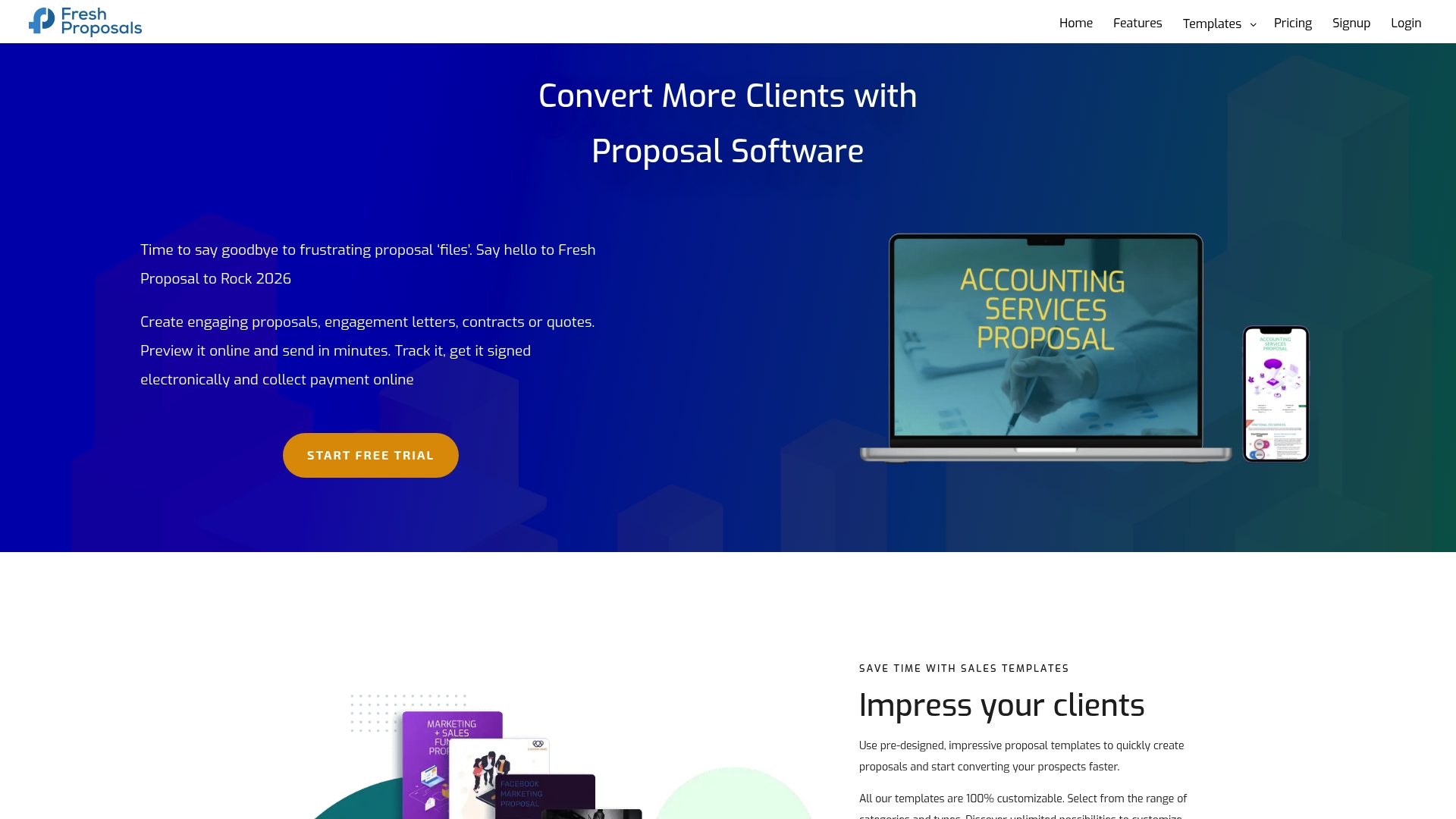
Starting at $20/month, Fresh Proposal Software bundles a drag and drop proposal editor, interactive pricing, proposal analytics, and built in electronic signature. The platform targets sales and marketing teams at small to medium businesses. It focuses on closing deals faster through automation and tracking.
Core Features
Fresh Proposal gives a visual editor for building branded proposals and customizable templates that match client needs. The product includes interactive pricing tables, proposal analytics and insights, and electronic signature capabilities inside proposals and documents. Workflow automation connects proposals to billing and CRM systems so teams spend less time on manual steps.
Key Differentiator
Fresh Proposal combines interactive pricing with proposal level analytics and direct integrations to CRM and accounting tools. That mix makes it easier to test quote structures and then measure which offers engage prospects. The result is a closed loop from quote design to collected signature and payment.
Pros
The editor and templates let you produce professional proposals without design help. Analytics provide engagement metrics that show who opened a proposal and which sections held attention. Direct connections to CRM and accounting systems reduce manual data entry. Interactive pricing keeps clients in control of quotes while built in electronic signature and document management speed up closing.
Cons
- Trustpilot reviews suggest some users face a learning curve when using advanced automation and analytics features.
- Customer support and onboarding details are not fully documented in public reviews.
- Pricing may feel high for very small teams or single users depending on the feature set needed.
When It May Not Fit
If you need a zero learning curve tool and no setup time, this product may feel heavy. Teams that expect rapid, hands on support might find response times uneven. Very small solo operators who only send occasional proposals may find lower cost options more suitable.
Notable Integrations
- CRM and sales: HubSpot.
- Accounting and payments: QuickBooks, Xero, LawPay.
- Automation and storage: Zapier, Trello, Google Drive, Dropbox.
Who It’s For
Sales and marketing teams at small to medium sized businesses that send frequent proposals and need tighter proposal to contract workflows. Teams that require analytics to refine pricing and that use HubSpot or QuickBooks will extract the most value. Agencies that collect signatures and payments inside documents will find the document tools helpful.
Real World Use Case
A digital marketing agency builds tiered proposals with the drag and drop editor and interactive pricing to present clear options. The team tracks which version prospects interact with and follows up on sections that attract attention. Electronic signature and integrated payment reduce the proposal to payment timeline.
Pricing
Pricing starts at $20/month for the Starter plan. Higher tiers add allowances for more active proposals and extra features that support analytics and automation.
Website: https://freshproposals.com
Comparison of Alternatives
Freelancers aiming to enhance their client outreach through proposal customization are presented with distinct options. Promptlyfreelance.com excels by offering real-world tested prompts integrated with case studies, while competitors such as Better Proposals provide extensive solutions for integrated workflows.
Proposal Creation and Independence
Promptlyfreelance.com stands out for its focus on AI-driven prompt development paired with practical client engagement strategies. Meanwhile, Indy serves as an all-encompassing platform catering directly to freelance professionals by covering proposals, contracts, and invoicing under one roof. Organizations favoring streamlined access to integrated finance and project tools may find Indy a favorable alternative.
Integrations and Workflow Efficiency
Better Proposals features integrations with CRMs and payment providers, facilitating cohesive end-to-end workflows. This capability supports small teams and sales groups seeking responsive service and advanced tracking analytics. By contrast, Wethos offers a strong foundation for agencies requiring repeatable proposals and integrated payment collection within shared team environments.
Best Fit
- Freelancers focusing on refined, AI-powered strategies for developing proposals should consider Promptlyfreelance.com due to its distinctive resource pairing tested prompts with real-world outcomes.
- Small teams or agencies needing tracking and CRM integration will benefit from Better Proposals.
- Solopreneurs or individual freelancers looking for an all-in-one workspace encompassing proposals alongside contracts and billing may opt for Indy.
- Agencies emphasizing collaborative proposal structures paired with integrated deposit and payment tools could select Wethos.
- Creatives requiring advanced analytics tied to proposal interactions may find Fresh Proposal Software an appropriate match.
Our Pick
Promptlyfreelance.com uniquely supports freelancers prioritizing direct methodologies to improve client outreach and proposal effectiveness through examples and tailored prompt templates. Its resources simplify proposal development while providing tangible application strategies for negotiation and pricing conversations. However, users requiring extensive integrations or full finance workflows might prefer alternatives like Better Proposals or Indy.
Compare the options based on their features, key differentiator, pricing, and limitations to select the ideal platform for freelancer proposals.
| Product Name | Key Focus | Unique Feature | Pricing | Main Limitation |
|---|---|---|---|---|
| Promptlyfreelance | Practical prompt guides for freelancers | Real client case studies on proposal making | Price not published | Limited to educational content and community discussions |
| Better Proposals | Interactive web-based proposal solutions | Live human-only support | From $13/user/month | Primarily web-based with high pricing for low-scale users |
| Indy | Bundled proposals and invoicing solutions | All-in-one freelancer workspace | $12.50/month (biennially billed) | Limited features for advanced project management |
| Prospero | Proposal drafting with analytics | Generative AI assistant for proposals | From $12/month | Limited advanced design flexibility compared to visual tools |
| Wethos | Templates and invoicing in one solution | AI-generated proposals with automation | Pro plan $12/month annually | Limited advanced reporting features |
How Can Freelancers Improve Their Proposal Templates Without Adding Complexity
Freelancers often face challenges creating clear, persuasive proposals that speed up client signoffs. Common problems include managing pricing, avoiding scope creep, and cutting down on revision cycles. Promptlyfreelance offers ready-to-use prompts and step-by-step guides tailored to these exact needs. This resource helps freelancers draft proposals that clarify deliverables, frame pricing, and streamline outreach.
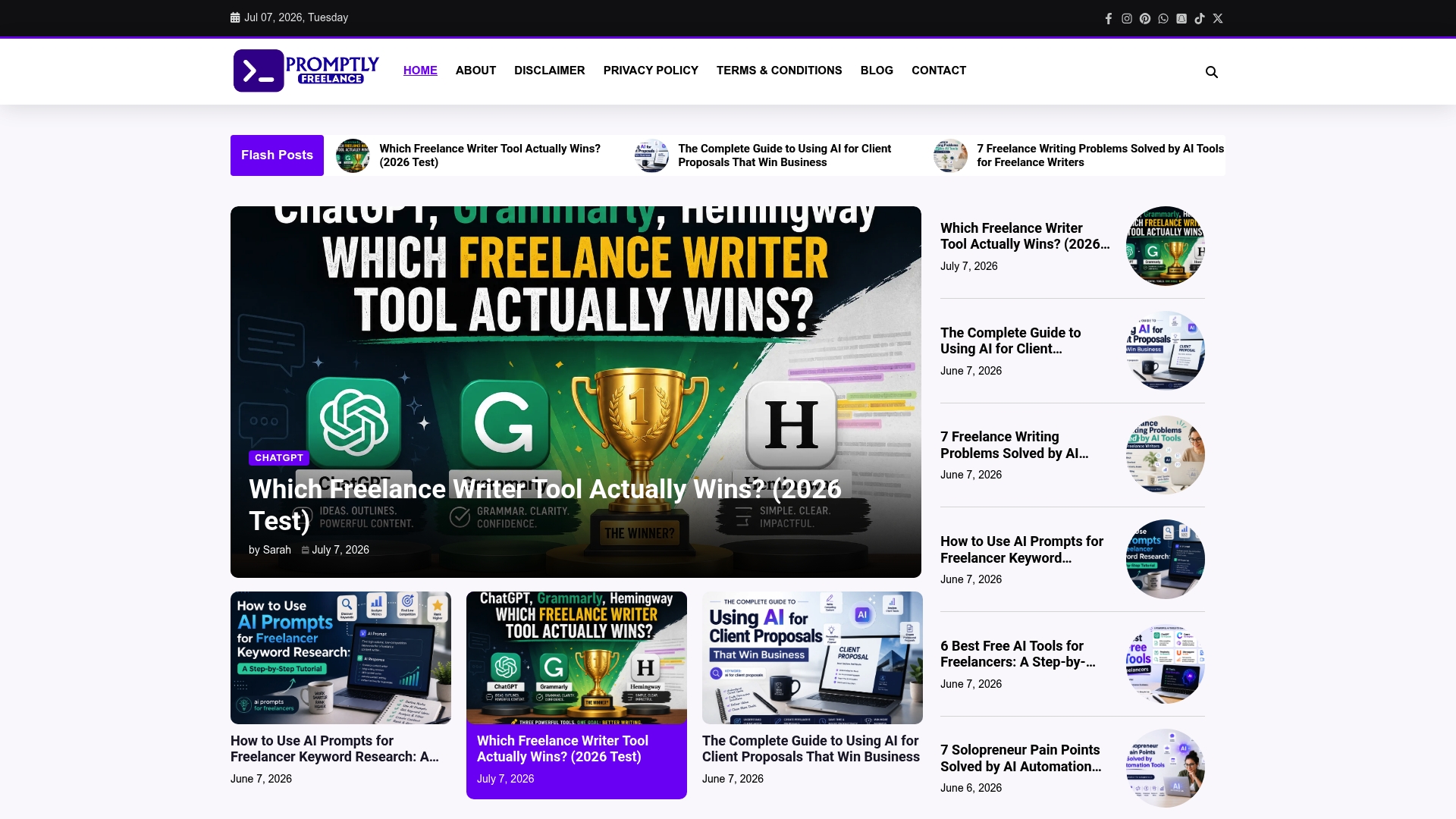
Explore the Freelance Business Archives for practical strategies and sample prompts that directly improve your proposal writing. Visit Promptlyfreelance to use tested tools that reduce time spent on first drafts and help you close deals faster with confidence.
FAQ
What features make Promptlyfreelance a suitable choice for freelancers?
Promptlyfreelance provides practical guides on prompt engineering and AI workflows tailored for freelancers. Its focus on step-by-step tutorials and real client case studies ensures that users understand how to apply prompts effectively in their work. Freelancers should consider trying Promptlyfreelance to enhance their proposal drafting and client outreach with proven strategies.
How does Promptlyfreelance compare with Better Proposals?
Better Proposals emphasizes human-led support, offering live assistance for users. This approach can benefit teams looking for immediate help with their proposals. In contrast, Promptlyfreelance focuses on practical prompt strategies that are directly tied to client outcomes. Freelancers needing hands-on learning might prefer Promptlyfreelance for its extensive resources on proposal development.
What unique features does Promptlyfreelance offer for proposal creation?
Promptlyfreelance stands out with its collection of ready-to-use prompts tailored for common freelance tasks, enabling users to adapt these for their proposals or outreach. The site offers tutorials that explain prompt intent and expected outputs, making it easier for freelancers to produce high-quality drafts quickly. Engaging with this content can significantly speed up the proposal process for users.
Can I rely on Promptlyfreelance for pricing strategies?
Yes, Promptlyfreelance provides practical advice on pricing decisions through its tutorials and case studies. It highlights mistakes to avoid and negotiation points, which can guide freelancers in setting the right prices for their services. This guidance can be valuable for freelancers aiming to improve their billing practices.
What does Promptlyfreelance exclude that might be a concern for some users?
Promptlyfreelance does not offer built-in tools, software integrations, or automated templates that many freelancers might expect. This limitation means users will need to be comfortable working outside of a single comprehensive tool but can benefit from the detailed educational content available. Freelancers looking for a focused learning platform should still find value in Promptlyfreelance despite this constraint.