Picking the right freelance productivity software to replace a standard freelance pricing calculator makes workflow improvement slow and uncertain. Many calculators only deliver basic fee estimates without proposal templates, project-specific prompts, or guarantees of compliance with client policies. This comparison covers pricing, output types, and workflow features so freelancers and small agencies can match each tool to their specific freelance needs and client demands.
Table of Contents
Promptly Freelance
At a Glance
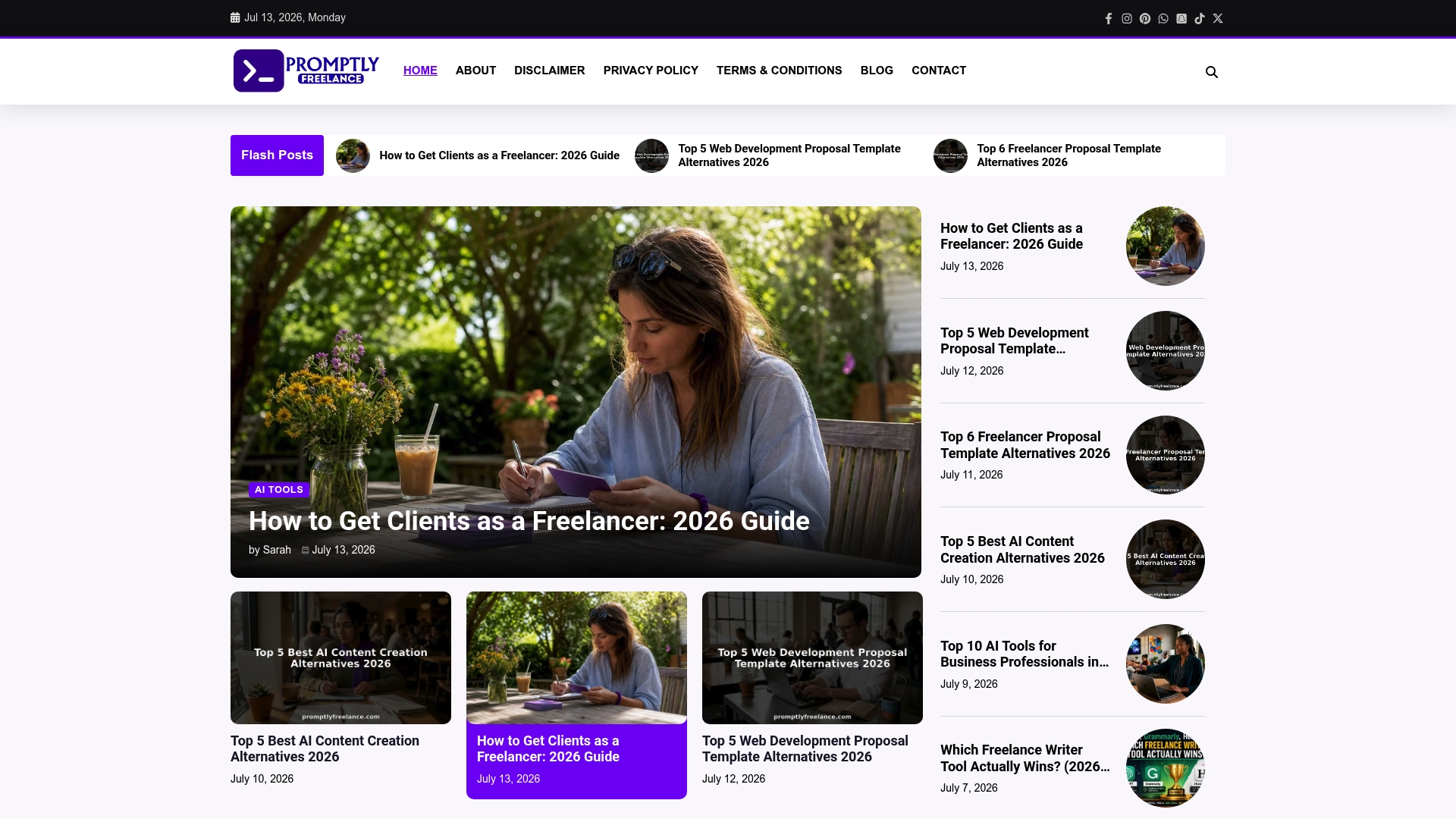
A searchable library of tested prompts pairs with real client case studies that show how prompts translate into proposals and outreach. The site centers on prompt engineering for ChatGPT and Midjourney and on adapting prompts to actual freelance briefs. Members report faster first drafts for proposals, outreach, and content workflows.
Core Features
Promptly Freelance curates ready to use prompts for proposal writing, outreach, and content creation, and it publishes step-by-step tutorials that explain prompt intent and expected outputs. A community section hosts discussions and real client case studies that show how prompts were applied and what the deliverables looked like. The site also includes guidance on pricing, scope, proposal drafting, and materials about AI ethics and client communication.
Key Differentiator
The platform combines practical prompts with case studies that map a prompt to a real deliverable, not just a canned example. That pairing helps you see which prompt versions worked on which client types and why. For freelancers who write proposals and outreach messages daily, this reduces guesswork when adapting prompts to a specific brief. The focus on freelance scenarios keeps examples directly relevant to client negotiations and scope decisions.
Pros
The library contains prompts you can copy and adapt, which shortens proposal and outreach prep. Tutorials break down prompt structure and expected outputs, so you learn to refine prompts yourself. Community case studies show how peers applied prompts to real projects, which makes the examples practical and repeatable. Educational content stays non automated and cost effective, helping you cut time on first drafts and revisions.
Cons
- Limited to educational content; the platform does not include built in automation or direct integrations with third party tools.
Who It’s For
Freelancers and solo consultants who write proposals, pitch clients, or produce content and who want ready prompts plus practical examples. Prompt engineers offering freelance services will find workflows and templates to adapt. Creators who need faster first drafts for outreach and proposals will get the most immediate benefit.
Unique Value Proposition
Tested prompts sourced from practicing freelancers come bundled with case studies that show the prompt input, the client brief, and the resulting deliverable. That structure reduces trial and error when you adapt a prompt for pricing, scope, or deliverable format. For a solo freelancer, this means fewer revision rounds and clearer proposal language when negotiating scope.
Real World Use Case
A freelance designer selects a proposal prompt from the library and tailors the input to a corporate branding brief. They use the tutorials to tighten wording and adjust deliverables for budget constraints. The designer sends the proposal faster and spends less time rewriting scope and pricing.
Website: https://promptlyfreelance.com
Faktor
At a Glance
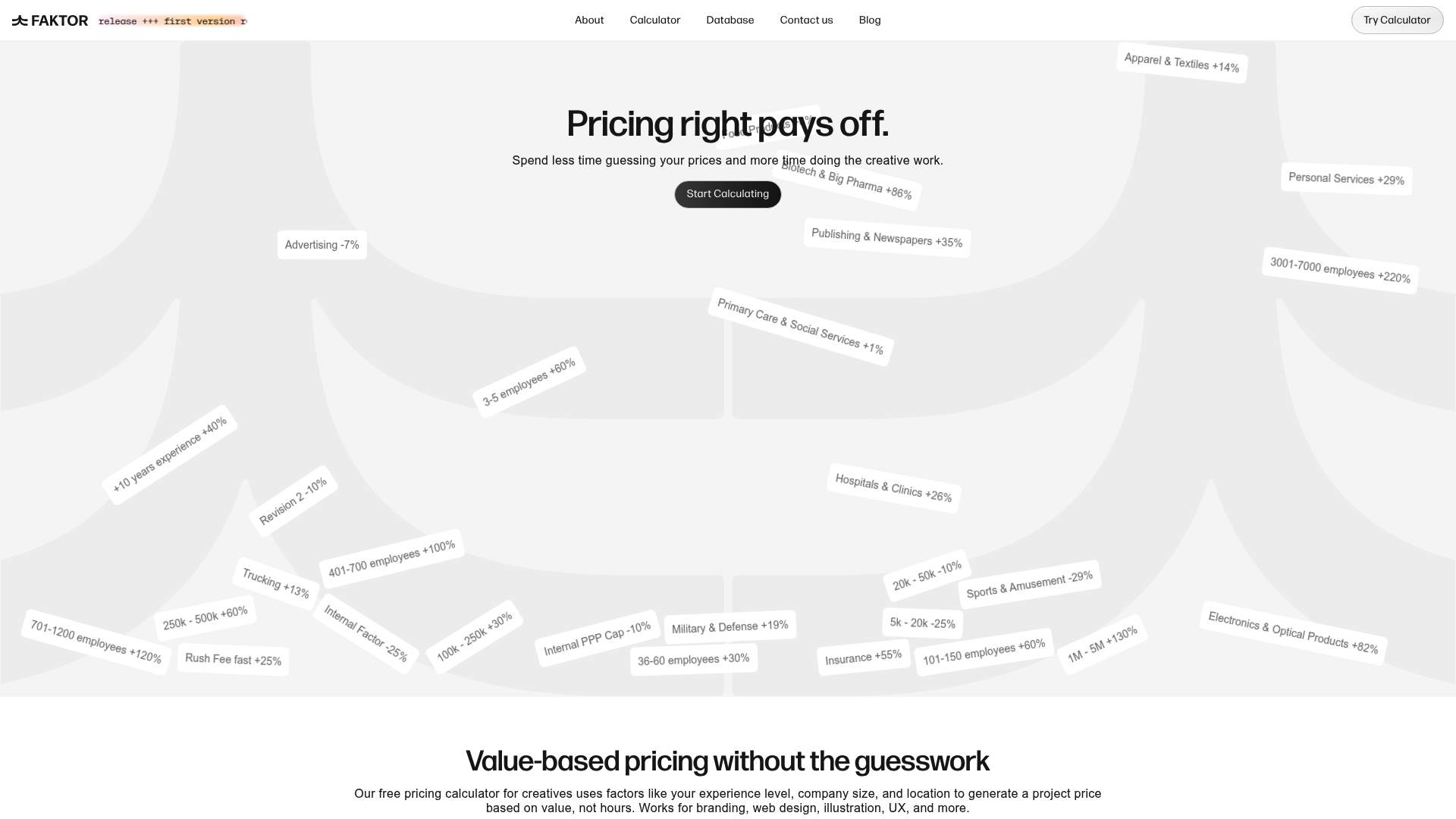
Free to use and built by creatives, Faktor focuses on value based project pricing for branding, web design, illustration, UX, and web development. It guides you through an interactive step by step input flow that adjusts for experience, company size, location, discounts, and extra fees. That makes proposal prep faster and reduces guesswork.
Core Features
Faktor’s core is a value based project pricing calculator that maps service type and client attributes to a suggested fee. The calculator covers branding, web design, illustration, UX, and web development, and it can handle complex projects such as web apps and e-commerce solutions. You can apply discounts and extra fees during input, and the tool aims to produce a single project quote rather than an hourly breakdown.
Key Differentiator
The one clear distinction is a free, creator built approach focused on pricing by value rather than time. That focus aligns the tool’s questions to creative deliverables and client scale instead of time sheets. The narrower lens suits designers and illustrators who price per package or outcome.
Pros
Faktor helps creatives move from hourly guessing to value based quotes, which speeds proposal turnaround. It supports a broad set of creative services and accepts inputs for discounts and extra fees so quotes reflect real contract terms. Its zero price point removes adoption friction for freelancers and small studios. The interface is lightweight and lets you finish a quote quickly.
Cons
-
No visible detailed integrations or advanced analytics features from the available information.
-
Limited user feedback on customization options or detailed reporting.
-
Pages such as /features, /integrations, and /products are inaccessible, limiting insight into the full feature set.
When It May Not Fit
If you need built in analytics or exported reports, Faktor may not meet those needs. Teams that rely on tracked time or billing integrations should look for a calculator that records hours and syncs with invoicing. Larger agencies requiring documented integrations and visible product pages risk running into blocked pages and missing details.
Who It’s For
Freelance creatives and small agencies who price packages or outcomes will get the most value from Faktor. Designers, illustrators, UX specialists, and web developers who prefer outcome focused quotes match this tool. Solo freelancers who avoid hourly billing will find the approach familiar. Agencies that need deeper reporting or documented integrations should evaluate alternatives.
Real World Use Case
A freelance designer enters client size, deliverables, and experience level into Faktor to generate a value based quote in minutes. The calculator factors in discounts and extra fees so the quote corresponds to contract terms. That reduces proposal preparation time and helps keep pricing consistent across similar projects. The designer can paste the result into a proposal template or client email.
Website: https://faktor.so
RatesCalc
At a Glance
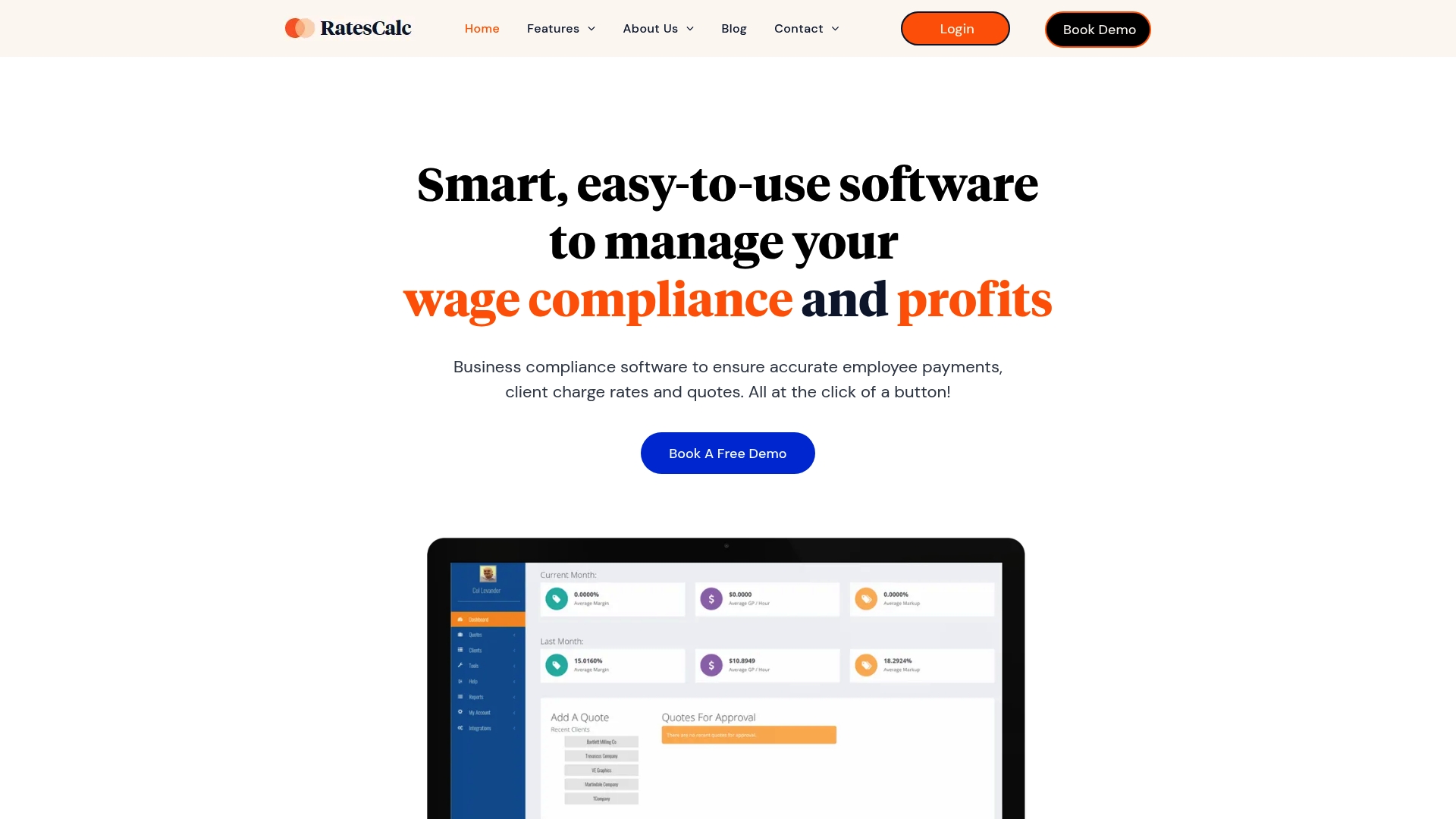
Automated award rate updates tie changes directly to Fair Work Australia decisions and record an audit trail for every adjustment. That mechanism reduces manual rate checks and provides a compliance record for disputes. According to the company, RatesCalc received Deloitte’s Fast 500 for APAC.
Core Features
RatesCalc centralizes client quote management with integrated payroll calculations and profit margin controls, so quotes and invoices reflect current award rules. It generates employment contracts and notifications while maintaining auditable records of changes. The platform lists integrations for applicant tracking, payroll, document signing, cloud storage, and payment processors.
Key Differentiator
RatesCalc’s marketing materials describe it as the only software that manages workforce pay rates, award updates, profit margins, and employment contracts in one Australian-made platform. That claim highlights a combined compliance and commercial focus tailored to recruitment and labour hire firms. The approach places awards and contract generation inside the quoting workflow rather than as a separate compliance step.
Pros
RatesCalc automates complex wage and award rules, which reduces manual calculation work and lowers the chance of payroll errors. It matches industry needs by focusing on recruitment, staffing, and labour hire workflows, so internal policies and margin targets live alongside compliance checks. The product supports integrations with common ATS, payroll, and document tools, which makes it feasible to pass verified rates into downstream systems.
Cons
- No third-party review data is available, so user satisfaction strengths and weaknesses are not documented.
- Pricing details vary by enterprise size and requirements, requiring direct inquiry for a full quote.
- Limited information on implementation timeframes or trial options is provided.
When It May Not Fit
Small, solo recruitment consultants or firms outside Australia may find the award-focused feature set more than they need. Organizations that require public independent reviews to validate vendor claims will have limited third-party evidence. Teams that need a clearly published trial or rapid implementation timeline should ask for specifics before committing.
Notable Integrations
- FastTrack
- JobAdder
- Salesforce
- Secured Signing
- OneDrive
- Google Drive
- Dropbox
- Stripe
Who It’s For
RatesCalc fits recruitment, staffing, and labour hire firms in Australia that need payroll accuracy and compliant client pricing. It suits teams that must reconcile award rules with margin targets and those that routinely produce contracts alongside quotes. Larger agencies that integrate payroll and ATS tools will extract more value.
Real World Use Case
A staffing agency uses RatesCalc to automate award rate updates and run compliance checks across several awards. The team reduces manual data entry and speeds up producing client quotes that include compliant employee rates. Contracts and audit logs are generated automatically so payroll and billing reflect the same verified figures.
Pricing
Pricing varies with business size and requirements, with plans starting from $99 per user per month for scale plans and custom quotes available for enterprise solutions. Prospective buyers should request a tailored quote to confirm modules and implementation costs.
Website: https://ratescalc.com
Comparison of alternatives
For freelancers and solo consultants, selecting tools that balance practical functionality and efficiency is essential to optimizing workflows. Three platforms—Promptly Freelance, Faktor, and RatesCalc—each address specific aspects of freelance pricing calculations and workflow enhancement, presenting unique strengths and potential tradeoffs.
Case study integration versus pricing calculators
Promptly Freelance distinguishes itself by bundling curated prompts with real-world applications, allowing users to understand how prompts translate into client deliverables. This capability aids in reducing preparation time for proposals and improving scope accuracy. Conversely, Faktor excels in generating value-based pricing tailored to creative professionals, assisting them in transitioning from traditional hourly rates to package-based pricing structures. For recruitment-specific needs, RatesCalc offers compliance tools linked to award regulations, effectively addressing administrative overhead and legal considerations.
User accessibility and design focus
Faktor’s user-friendly interface ensures rapid quote creation with flexibility for incorporating discounts and additional fees. Its free pricing model further lowers the barrier for freelance creatives. However, for enterprises requiring detailed compliance features, RatesCalc provides essential payroll integrations and wage updates, although its cost and more integrated deployment may suit larger organizations better. Promptly Freelance maintains its focus on freelance adaptability, delivering its resources in a straightforward and accessible manner without focusing on automation-heavy functionalities.
Best fit
- Freelancers needing tailored prompts combined with practical examples will benefit from Promptly Freelance’s real-world case study approach.
- Creative professionals seeking guided pricing that aligns with value-driven outcomes will find Faktor’s pricing calculator an excellent resource.
- Recruitment firms or agencies needing compliance-focused solutions enabling accurate wage updates and extensive integrations should consider RatesCalc.
Our pick
Promptly Freelance stands out as the ideal choice for freelancers aiming to enhance proposal and content efficiency through practical, adaptive prompts tied to actual deliverables. However, professionals requiring project-specific pricing tools or advanced compliance functionalities might prefer Faktor or RatesCalc, respectively. For freelancers focused primarily on efficiency in content preparation and client communications, Promptly Freelance delivers practical value.
Find the tool that best aligns with your freelancing pricing and proposal needs below.
| Product | Key Differentiator | Best For | Pricing | Notable Limitation |
|---|---|---|---|---|
| Promptlyfreelance | Combines prompts with real-life case studies to refine proposals and client outreach. | Freelancers writing client proposals. | Price not published | Limited to educational content without built-in automations or third-party integrations. |
| Faktor | A free, value-based pricing tool tailored for creatives, guiding project pricing. | Freelance creatives avoiding hourly rates. | Free | Missing advanced analytics and detailed customization settings due to restricted visible features. |
| RatesCalc | Automates compliance with award rules and integrated workflows for Australian firms. | Recruitment and staffing agencies. | Starting at $99/user/mo | Primarily designed for Australian regulations, limiting use for global or non-award-compliant contexts. |
How Can Freelancers Simplify Pricing and Proposal Prep?
Freelancers and solo consultants often face confusion when adapting freelance pricing calculators to the unique demands of each client. The challenge lies in reducing the time spent guessing pricing while ensuring proposals clarify scope and budget. Promptlyfreelance helps solve these issues by offering ready-to-use prompts tailored for proposal drafting, outreach, and content workflows. This focused approach gives freelancers practical examples and tutorials designed specifically for freelance business needs.
Explore Freelance Business Archives to gain prompt drafting techniques that sharpen client communications. Combine these insights with Prompt Engineering Archives to refine prompts and improve how quotes fit project briefs. Visit Promptlyfreelance and see how applying tested AI prompts saves time and cuts revision rounds.
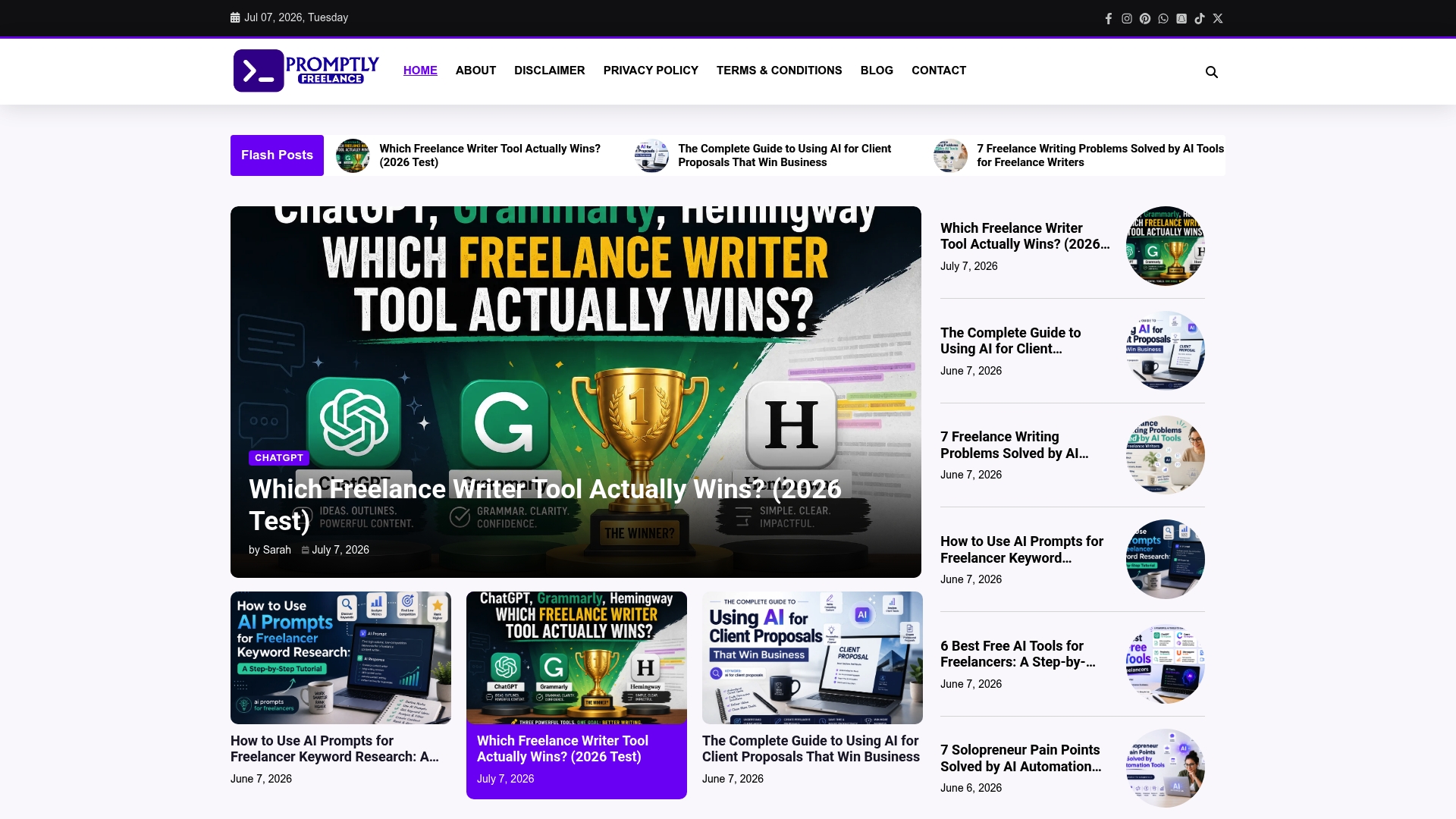
Access tailored prompts and guidance at Promptlyfreelance now. Build proposals faster and send clear, confident pricing offers that match client expectations.
FAQ
How does Promptlyfreelance help freelancers with proposal writing?
Promptlyfreelance offers ready to use prompts for proposal writing, outreach, and content creation. The platform’s curated library shortens the time needed for these tasks, allowing freelancers to produce quicker first drafts. Users should utilize this to enhance their proposal efficiency.
What is the difference between Faktor and Promptlyfreelance?
Faktor excels in providing a value based project pricing calculator tailored for branding and web design services. Promptlyfreelance, however, focuses on a library of tested prompts paired with client case studies, making it ideal for freelancers looking to adapt prompts to specific briefs. Choose Promptlyfreelance for a broader approach to proposal writing and outreach preparation.
Can I use Promptlyfreelance for content creation?
Yes, Promptlyfreelance supports content creation through its curated library of prompts. This library is specifically designed to help freelancers generate creative content by applying tested prompts to real freelance briefs. Utilizing this feature can significantly save time on content workflow.
Does the community section of Promptlyfreelance offer any practical insights?
Yes, the community section on Promptlyfreelance includes discussions and real client case studies that demonstrate how prompts were effectively applied. This insight helps freelancers understand practical applications, enhancing their skills in adapting prompts for their unique client needs.
Does Promptlyfreelance provide integration capabilities?
Promptlyfreelance does not currently offer built-in automation or direct integrations with third-party tools. Users should consider this if they are looking for a fully automated solution but could benefit from its focused education and practical workflow insights.