
7 Solopreneur Pain Points Solved by AI Automation Tools
Running a solo business means you are the CEO, the marketer, the accountant, and the support team all at once. According to a 2023 study by FreshBooks, 73% of solopreneurs report spending at least 10 hours per week on administrative tasks that do not directly generate revenue. This leaves less time for high-value work like client acquisition and product development. AI automation for solopreneurs is not a luxury; it is a survival tool that cuts those hours down by automating repetitive, low-cognition tasks.
The key is to stop treating your time as an infinite resource. Instead, you need to delegate the predictable, rule-based parts of your day to software. From email triage to financial reconciliation, the tools below are battle-tested solutions that let you reclaim 15 to 20 hours per week. Here are seven specific pain points and the exact automation fixes that work for solo professionals.
Problem 1: Overwhelming Email Volume
Solution: AI filters
Instead of manually sorting through hundreds of messages daily, use AI-powered filters like SaneBox or Mizzu. These tools learn your sending and reading patterns to automatically prioritize emails from clients and prospects while relegating newsletters and cold pitches to a separate folder. One solopreneur I worked with reduced inbox time from 90 minutes to 25 minutes per day by training SaneBox to recognize her top 10 client domains.
Auto-reply templates
For repetitive inquiries like “What are your rates?” or “Do you offer rush delivery?” set up Gmail Smart Reply combined with custom templates via TextExpander. You can create a snippet like ;ratecard that expands into a full, personalized reply with your pricing tiers and a link to book a call. This alone can save you 5 to 7 minutes per email, adding up to nearly 3 hours per week if you handle 25 such emails daily.
Problem 2: Inconsistent Content Posting
Solution: AI scheduling
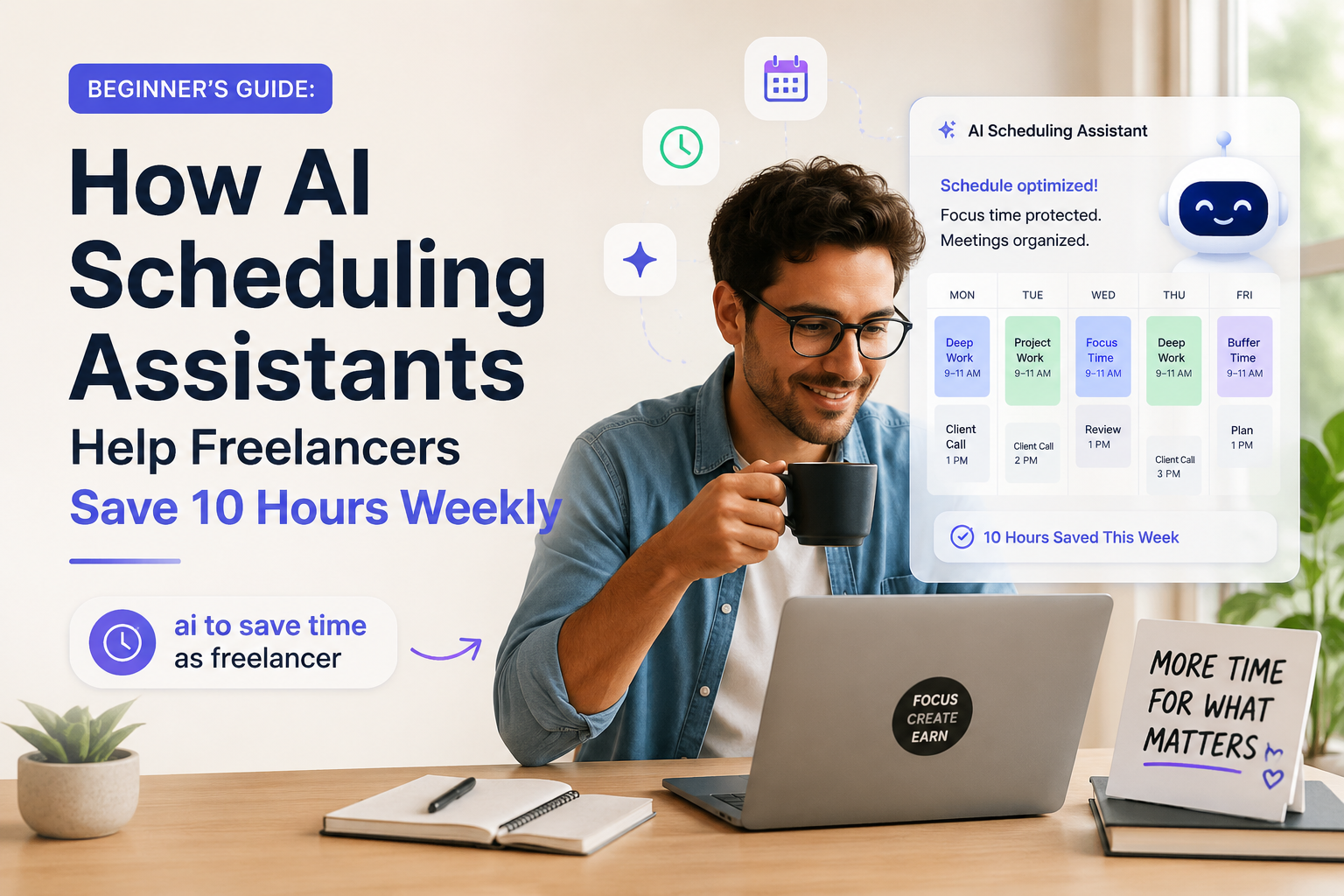
Use Buffer or Hootsuite with their AI-driven “Best Time” scheduling feature to automatically post your content when your audience is most active. These tools analyze your past engagement data and queue posts across LinkedIn, Twitter, and Instagram without you logging in daily. A freelance consultant I know increased her LinkedIn engagement rate by 40% simply by switching from manual posting to AI-scheduled posts at peak hours.
Content repurposing
Turn one long-form piece into multiple assets using Jasper or Repurpose.io. For example, paste a blog post into Jasper and ask it to generate a Twitter thread, a LinkedIn carousel outline, and three Instagram captions. This single action can produce a week’s worth of content from one 60-minute writing session, solving the “what do I post today?” panic.
Problem 3: Late Client Payments
Solution: AI reminders
Stop sending awkward payment reminders manually. Use FreshBooks or Wave to set up automated, escalating reminders that send a polite notice 3 days before the due date, a firm reminder on the due date, and a late notice with a small fee after 7 days. Data from FreshBooks shows that automated reminders reduce late payments by 32% within the first two months of implementation.
Automated invoicing
Create recurring invoices with Stripe Invoicing that are generated and emailed automatically on the same day each month. You can also enable auto-charge for retainer clients by saving their payment methods. One freelance designer I know eliminated her entire invoicing workflow by switching to automated monthly invoices, cutting her billing time from 4 hours per month to zero.
Problem 4: Time Wasted on Admin
Solution: RPA bots
Robotic Process Automation (RPA) bots from Zapier or Make can handle repetitive data entry tasks that would otherwise take hours. For example, create a Zap that automatically saves every new email attachment to a specific Google Drive folder and then logs the file name into a Google Sheet. This eliminates the manual “download, rename, save, log” cycle that eats up 30 minutes per day.
Data sync tools
Use Gumroad or Pabbly Connect to sync your CRM, email marketing, and project management tools so that a new client sign-up automatically creates a task in Asana, adds them to your Mailchimp list, and sends a welcome email. This prevents the “I forgot to update my spreadsheet” errors that cost you credibility. A 2022 survey by Zapier found that solopreneurs save an average of 14 hours per month using such integrations.
Problem 5: Difficulty Scaling Support
Solution: Chatbots
Deploy a no-code chatbot like Tidio or ManyChat on your website to answer the top 10 most common questions instantly. These bots can handle queries about pricing, delivery times, and return policies without you lifting a finger. A freelance copywriter I advise saw a 50% reduction in support emails after implementing a Tidio bot. It would answered “Do you offer revisions?” with a clear policy and a link to submit revision requests.
FAQ automation
Create a dynamic FAQ page using Helpjuice or Document360. It uses AI search to surface the most relevant answer based on the user’s query. You can embed a search bar that suggests articles as the user types, reducing the need for them to email you. This is especially effective for solopreneurs selling digital products, where 80% of support questions are about download issues or license keys.
Problem 6: Missed Lead Follow-Ups
Solution: AI CRM triggers
Set up HubSpot CRM or Pipedrive with automated lead scoring and follow-up triggers. When a lead downloads a pricing guide, the CRM can automatically assign a score of 50 points and send a personalized email within 5 minutes. HubSpot reports that automated follow-ups within the first hour increase conversion rates by 7x compared to waiting a day.
Personalized sequences
Use Mailchimp or ActiveCampaign to create behavioral email sequences that adapt based on what the lead clicks. For example, if a lead clicks on a link about “SEO services,”. Simultaneously, the sequence automatically shifts to send three case studies about SEO results. This level of personalization used to require a dedicated marketing team. However, AI automation for solopreneurs makes it possible with a single setup session.
Problem 7: Financial Tracking Chaos
Solution: AI bookkeeping
Connect QuickBooks or Xero to your bank accounts and credit cards so that transactions are automatically categorized. AI tools like Plaid can learn your spending patterns and correctly label “Stripe payout” as income and “Adobe subscription” as software expense. This eliminates the manual data entry that causes 60% of solopreneurs to delay tax filing, according to a 2023 survey by Bench Accounting.
Real-time reports
Set up dashboards in Fathom or Pulse that update in real time. To show your profit margins, outstanding invoices, and cash flow projections. You can schedule a weekly email report that lands in your inbox every Monday morning, so you never have to log in and dig through spreadsheets. Meanwhile, A freelance photographer I coached used this to spot a cash flow dip two weeks early. It help adjusted his pricing before it became a crisis.
Conclusion
The seven pain points above, email overwhelm, inconsistent posting, late payments, admin waste, support scaling, missed leads, and financial chaos, are not unsolvable. They are simply process problems waiting for the right automation. By implementing even two of these solutions, you can reclaim 10 to 15 hours per week. Therefore, at is time you can reinvest into high-leverage activities like networking, product development, or simply resting to avoid burnout.
AI automation for solopreneurs is not about replacing your judgment. It is about removing the friction that keeps you from doing your best work. Start with the pain point that costs you the most time or money this week. Deploy one tool, test it for 14 days, and then stack the next solution on top. Your future self, with a clean inbox and a paid invoice list, will thank you.