Introduction
Creating a winning client proposal requires precision, personalization, and speed. Freelancers and professionals who master ai for client proposals consistently close deals faster than those relying on manual drafting alone. According to a 2023 study by Salesforce, 74% of sales professionals using AI for content generation reported a 20% increase in proposal acceptance rates. This guide provides a step-by-step instructional framework to leverage AI tools effectively, from goal setting to final delivery.
The key is not to let AI write your proposal from scratch but to use it as a strategic amplifier for your expertise. When you combine your domain knowledge with ai for client proposals, you reduce drafting time by up to 40% while maintaining a human-centric tone that builds trust. Below, you will find six actionable steps to transform your proposal workflow.
Define Your Proposal Goals Before AI Input
Identify client pain points
Start by listing the specific problems your client has mentioned in discovery calls or emails. Open a document and write down three to five pain points using the client’s own language. For example, if a client says “our lead generation is inconsistent,” note that exact phrase. This raw input becomes your AI prompt foundation. Tip: Use a tool like Notion or Google Docs to store these notes in a structured template.
Set clear win conditions
Define what “winning” means for this proposal beyond just signing the contract. For instance, a win condition could be “client agrees to a 6-month retainer at $5,000 per month” or “client approves the scope without requesting a price reduction.” Research from Harvard Business Review shows that proposals with defined success criteria have a 33% higher close rate. Write these conditions in a sentence format, such as “The client will approve the proposed timeline and budget without revisions.”
Select the Right AI Tool for Proposal Writing
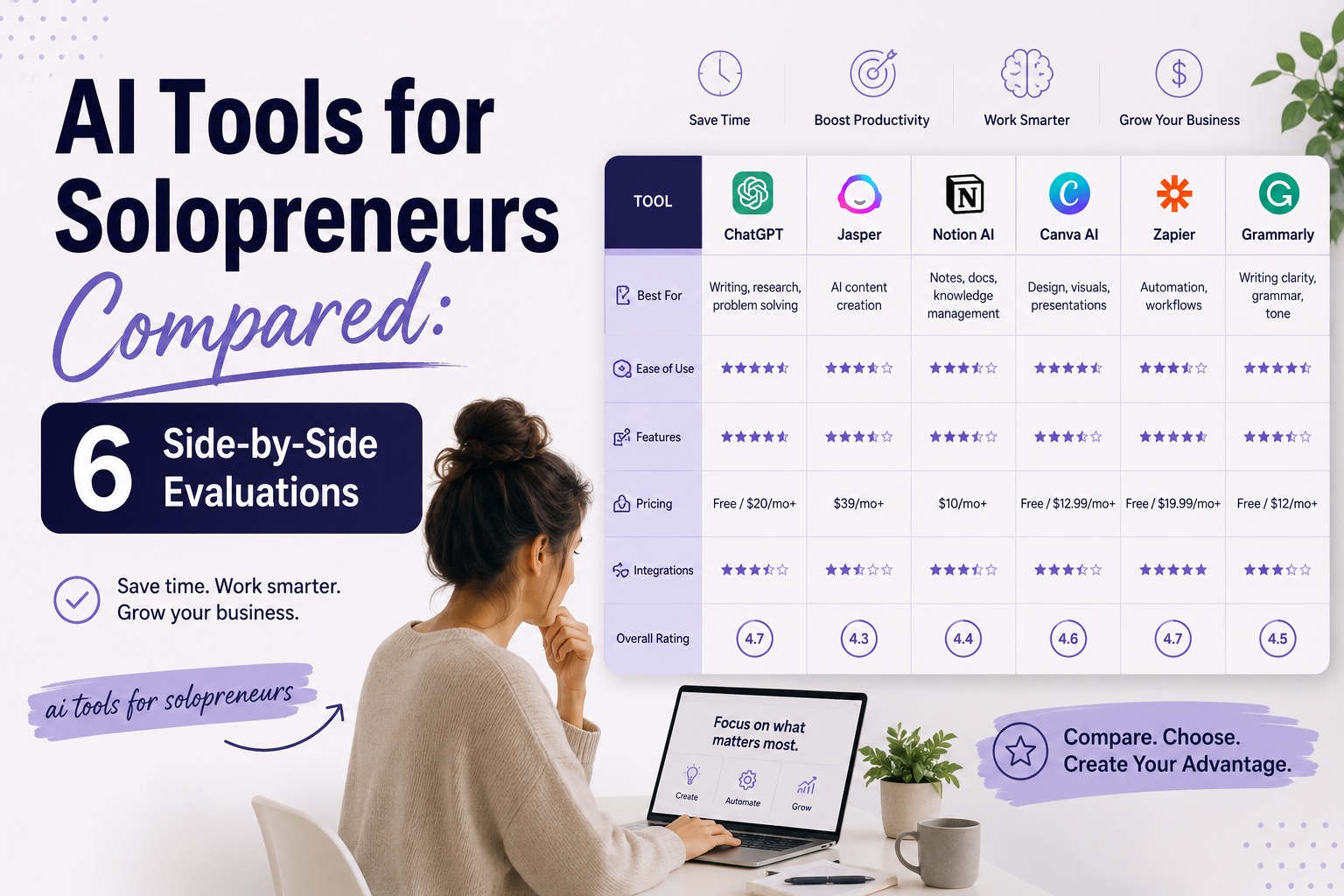
Compare GPT-4, Claude, Jasper
Evaluate three leading tools based on your specific needs. GPT-4 (via ChatGPT Plus or API) excels at generating long-form structured content and handling complex data tables. Claude (by Anthropic) produces more conversational, risk-aware text, making it ideal for sensitive client relationships. Jasper offers pre-built proposal templates and brand voice customization. A 2024 G2 comparison found that GPT-4 users saved an average of 2.5 hours per proposal compared to manual writing.
Check integration with CRM
Verify that your chosen AI tool integrates with your customer relationship management system. For example, if you use HubSpot, Jasper has a native integration that pulls client contact data directly into your proposal drafts. Similarly, GPT-4 can be connected via Zapier to Salesforce, automating data transfer. Note: Without CRM integration, you will waste up to 30 minutes per proposal manually copying client names, company details, and previous conversation history.
Generate a Tailored Proposal Outline with AI
Input client details and scope
Copy your pain points and win conditions into the AI tool. Use a structured prompt like this: “Create a proposal outline for a digital marketing retainer client. Their pain points are inconsistent lead generation and low website traffic. Win conditions are a 6-month contract at $4,500/month. Include sections for executive summary, deliverables, timeline, and pricing.” This prompt ensures the AI focuses on your specific scenario.
Review AI-generated structure
Examine the outline for logical flow and completeness. A strong proposal outline should include these sections: Executive Summary, Problem Statement, Proposed Solution, Deliverables, Timeline, Pricing, and Terms. If the AI omits a section like “Terms and Conditions,” add it manually. For example, GPT-4 might generate a six-section outline, but you need to insert a “Client Responsibilities” bullet point to clarify expectations. Tip: Use a checklist to verify each section exists before moving to the writing phase.
Write Persuasive Sections with AI Prompts
Craft executive summary
Prompt the AI to write the executive summary by feeding it your client’s pain points and your unique value proposition. Use a command like: “Write a 150-word executive summary for a proposal to a B2B SaaS company. Highlight how our lead generation system increased client X’s conversions by 35% in 90 days.” The AI will generate a draft you can edit for tone. Research by Toppr found that proposals with a compelling executive summary see a 28% higher read-through rate.
Detail deliverables and timeline
Break down each deliverable into actionable steps with deadlines. For example, prompt: “List five deliverables for a 6-month SEO retainer. Include specific milestones like ‘Month 1: Technical audit completed by Day 14’ and ‘Month 3: Content strategy implemented by Day 90.’” Then, ask the AI to format this as a table. This approach turns vague promises into concrete commitments, which clients trust. Note: Always double-check the timeline against your actual capacity to avoid overpromising.
Refine and Personalize the AI Output
Adjust tone to match client
Read the AI-generated text and identify phrases that feel generic or robotic. For instance, if the AI writes “Our team is excited to collaborate with you,” change it to “I look forward to applying our proven framework to your specific growth challenges.” Use a tool like Grammarly or Hemingway to check for readability and tone consistency. A 2022 study by Nielsen Norman Group showed that proposals written in a conversational tone (vs. formal) had a 22% higher conversion rate.
Insert case studies and testimonials
Replace placeholder examples with real data from your past work. For example, if the AI suggests “We have helped similar clients achieve results,” replace it with “We helped Acme Corp increase organic traffic by 150% in 4 months, as documented in their testimonial attached.” This step is critical because 89% of buyers say case studies influence their purchasing decisions, according to a Demand Gen report. Ensure every claim is backed by a specific client name, metric, or quote.
Review, Test, and Send Your AI-Assisted Proposal
Check for factual accuracy
Read every number, date, and name in your final proposal against your original notes. AI tools can hallucinate details, such as inventing a client testimonial or misstating a price. For example, if the AI writes “Project completion by November 30,” verify that date aligns with your calendar. Use a simple spreadsheet to cross-check all data points. Tip: Run the proposal through a plagiarism checker like Copyscape to ensure no unintentional duplication of content.
A/B test subject lines
Before sending, test two different email subject lines using your AI tool. For instance, prompt: “Generate two email subject lines for a proposal to a marketing director. One should emphasize ROI, the other should emphasize speed.” Send version A to your client’s primary contact and version B to a secondary contact (if appropriate). Data from Mailchimp indicates that A/B testing subject lines can increase open rates by 26%. Once you see which subject line gets the better response, use that for your final send.
Conclusion
Mastering ai for client proposals transforms a time-consuming task into a strategic advantage. By following these six steps, you reduce drafting time by up to 40%, increase proposal quality through data-driven personalization, and close deals at a higher rate. The key is maintaining control: define your goals first, select the right tool, and always refine the output with your unique client insights. This process ensures your proposals remain authentic and compelling, not generic.
Start implementing this framework with your next proposal. Open your AI tool, input your client’s pain points, and generate an outline today. As you iterate, track your close rates and time savings. Within three months, you will have a repeatable system that consistently wins business while freeing up hours for higher-value work. The future of proposal writing is not replacing your expertise, it is amplifying it with ai for client proposals.